client communication
Salon Appointment Reminder Templates for Busy Teams
Adapt salon appointment reminder templates for confirmations, rescheduling, and rebooking, and check how they fit your salon booking software.
/ GoRoots team / 5 min read
Reviewed by Meenakshi Gupta (Founder)
Updated
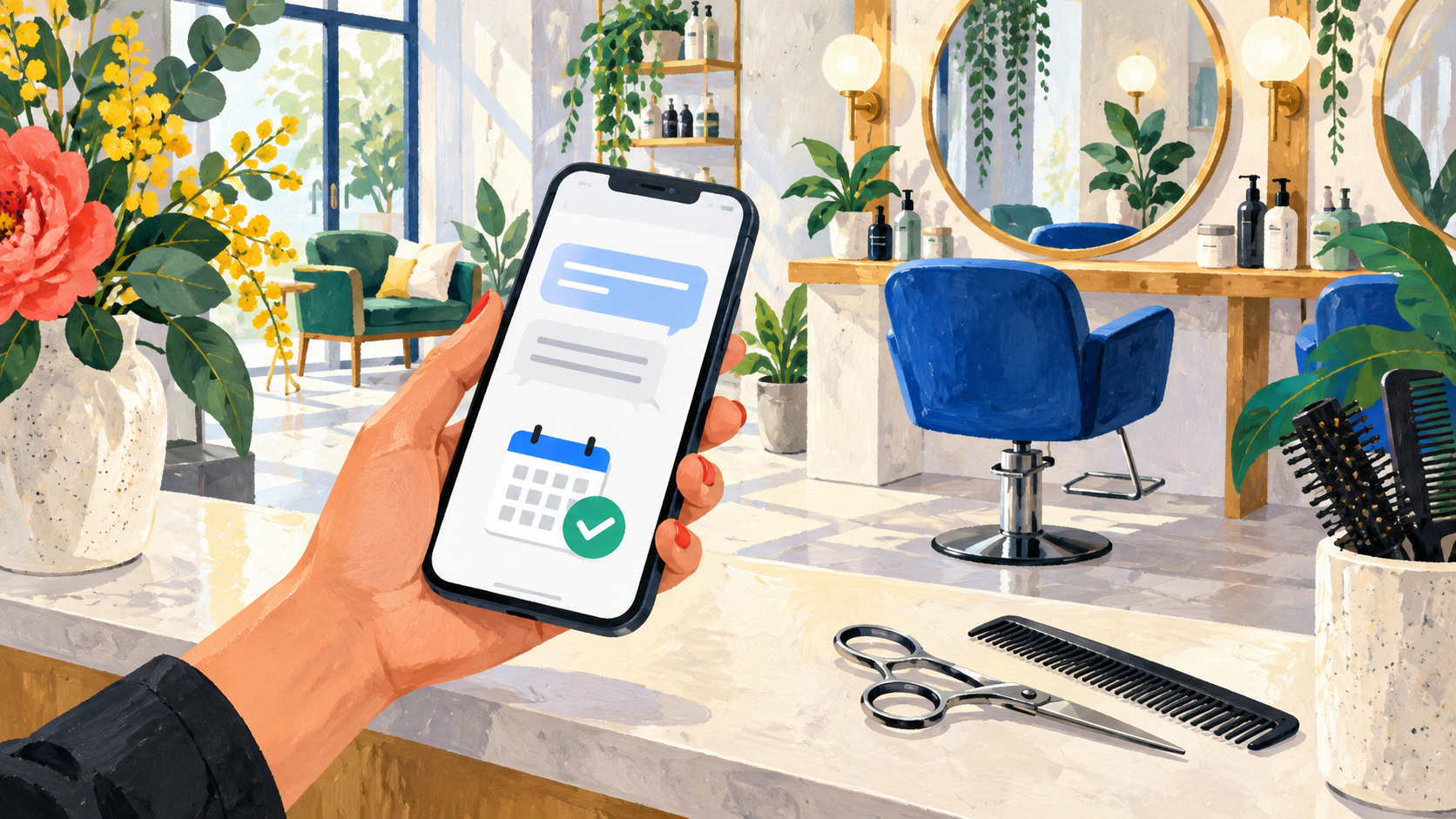
A good salon appointment reminder answers a few simple questions: what am I booked for, when should I arrive, where am I going, and how do I request a change? A message that leaves out one of those details can create another phone call for your team.
Start with the templates below, then adapt the wording to your salon and the channels your clients use. The bracketed text is a writing placeholder, not a software variable. Replace it with accurate information before sending.
Whether you use a shared diary or salon booking software, build each message from the current appointment record. These examples are message copy, not a guarantee that a particular salon booking app supports every message type or delivery channel.
1. Booking confirmation
Send a confirmation once an appointment is actually confirmed. If a request still needs review, call it a request rather than a booking.
Hi [first name], your [service] with [stylist] is confirmed for [date] at [time] at [salon name and location]. To request a change, contact [salon contact]. We look forward to seeing you.
Include the price or a link to the service details when that helps the client understand what they booked. If the appointment needs a consultation, explain that clearly. Do not promise a final price when the salon still needs to assess the service.
2. Appointment reminder
Choose a reminder time that leaves clients a reasonable opportunity to contact you. Start with one clear reminder and review whether your clients find it useful before adding more messages.
Hi [first name], a reminder from [salon name]: your [service] with [stylist] is on [date] at [time]. Our address is [address]. Need to make a change? Contact [salon contact].
Use the actual date as well as the time. A message may be read later than you expected, so “tomorrow” on its own can become confusing. Add preparation instructions only when they are relevant to the booked service.
3. Appointment change confirmation
When an appointment changes, make the new details unmistakable. Confirm the update only after the schedule has been changed.
Hi [first name], your [service] appointment has been moved to [new date] at [new time] with [stylist]. This replaces your previous appointment on [old date]. Contact [salon contact] with any questions.
Check that the old reminder will not still be sent. Your team should also see the updated appointment, not two competing versions of the booking.
4. Cancellation acknowledgement
Keep cancellation messages calm and specific. If a payment question remains, give the client a way to speak with the salon rather than making an unsupported promise about refunds.
Hi [first name], your [service] appointment on [date] at [time] has been cancelled. When you are ready to book again, visit [booking link]. For payment or policy questions, contact [salon contact].
Make sure your cancellation wording matches the policy shown before booking. A reminder should not introduce a fee or condition that the client has never seen.
5. Rebooking invitation
Rebooking is a different conversation from confirming an existing appointment. Make it optional and relevant to the service the client received.
Hi [first name], thank you for visiting [salon name]. When you are ready for your next [service], you can view appointments at [booking link]. We would be happy to see you again.
Avoid suggesting that a client is overdue unless you have a real basis for that message. For promotional follow-ups, respect communication preferences and keep the salon’s contact information easy to find.
Check the message before you send it
- Confirm the service, staff member, date, time, and location against the appointment.
- Replace every placeholder and test the booking link on a phone.
- Give clients a working contact method for questions and changes.
- Check that messages reflect rescheduled or cancelled appointments.
- Review your clients’ communication preferences for the channel you use.
- Confirm any message delivery costs before increasing volume.
What to check in salon booking software before sending reminders
A template is only as reliable as the appointment details behind it. When comparing salon appointment scheduling software, test the message flow as well as the calendar:
- Book a test appointment and compare the confirmation with the service, stylist, location, and time in the staff schedule.
- Reschedule it before the reminder is due. Check whether an old reminder is stopped and the new details are used.
- Cancel the appointment and check that it will not receive an attendance reminder.
- Confirm who handles replies and how a client’s requested change reaches the schedule.
- Check supported channels and delivery charges; do not assume that WhatsApp, SMS, and email are interchangeable.
Use the same checks for a haircut, a longer color service, and a first-time client. Our guide to choosing salon booking software covers the wider service-menu and staff-scheduling checks.
Put reminders into your salon’s booking workflow
Clear messages are most useful when they reflect a clear schedule. GoRoots supports WhatsApp booking and reminder workflows alongside staff schedules and online payments. Explore the GoRoots salon booking app and review current pricing and card-payment charges.
For the wider appointment process, read how to reduce salon no-shows. If you are setting up a new booking channel, start with our online salon booking checklist.